Canadian sole proprietors who work from home and file their own T2125, and the bookkeepers who would rather show a client the limit than argue about it.
How it works
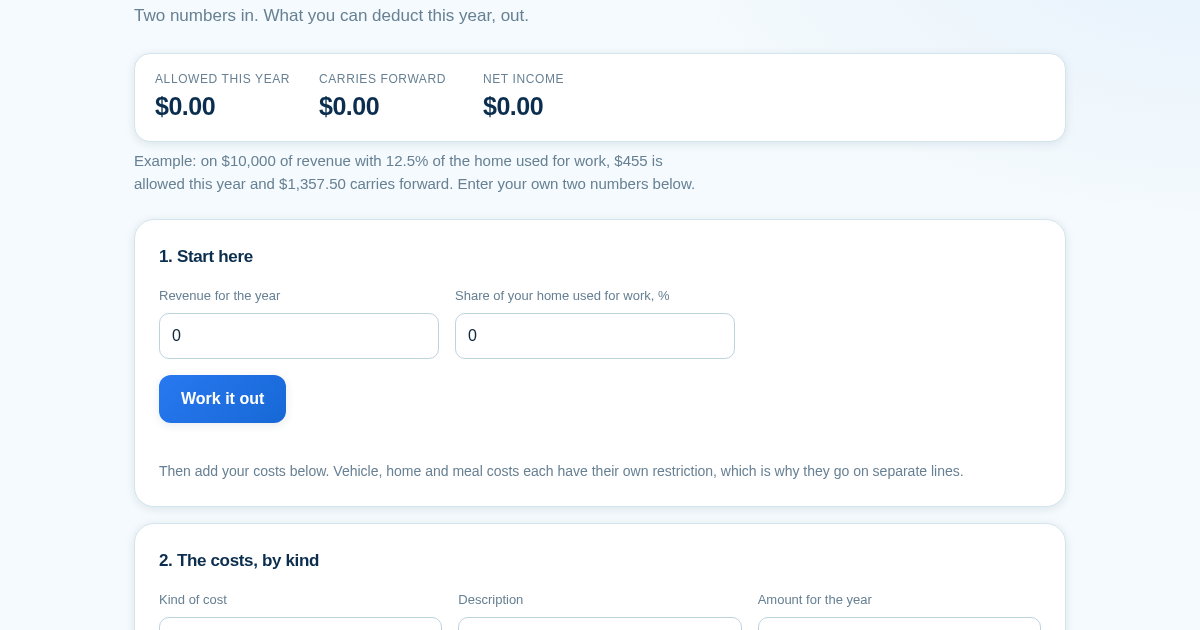
- Enter the revenue, the kilometre log, the floor areas and the hours the space is worked in.
- Add costs on separate lines by kind: ordinary, vehicle, home, meals.
- Read net income before the home deduction - that figure is the ceiling.
- See what is allowed this year, what carries forward, and what deducting it all would have reported.
What you gain
- Calculates the real home-office deduction within the income limit that stops it from creating a loss, and carries the unused part forward to next year instead of losing it.
Screenshot
Technical details
How to set up & use
- Buy the license — your key (lic_...) appears on the order page and in your email.
- Sign in at app.synoriaai.com with your license key.
- No installation — the product runs in your browser, on your own isolated instance.
- 1. Enter your total income for the year and the percentage of your home used for business, then click 'Save figures'.
- 2. Add each expense by selecting its type (Business, Meals, etc.), entering a description and amount, then click 'Add row'.
- 3. Review the list of expenses; the tool automatically applies the home-office limit so the deduction stops at zero and cannot create a loss.
- 4. See the result screen showing the allowable deduction this year, any unused amount carried forward, and a comparison of what would happen if the limit were ignored.
- 5. Adjust or remove rows as needed; the figures update instantly.
Frequently asked questions
Does this tool create or deepen a loss on my home office expenses?
No. It applies the income limit so your home-office deduction stops at zero and cannot create or deepen a loss. Any unused portion is carried forward to future years.
What data do I need to provide, and is it stored?
You only enter your income, home business percentage, and expense details. All data stays in your browser and is not sent to or stored on our servers.
Does this tool provide tax advice or preloaded rates?
No. It performs arithmetic on the figures you enter, using editable defaults only. It does not give tax advice or assume current year rates, as those vary by year and situation.
Related products
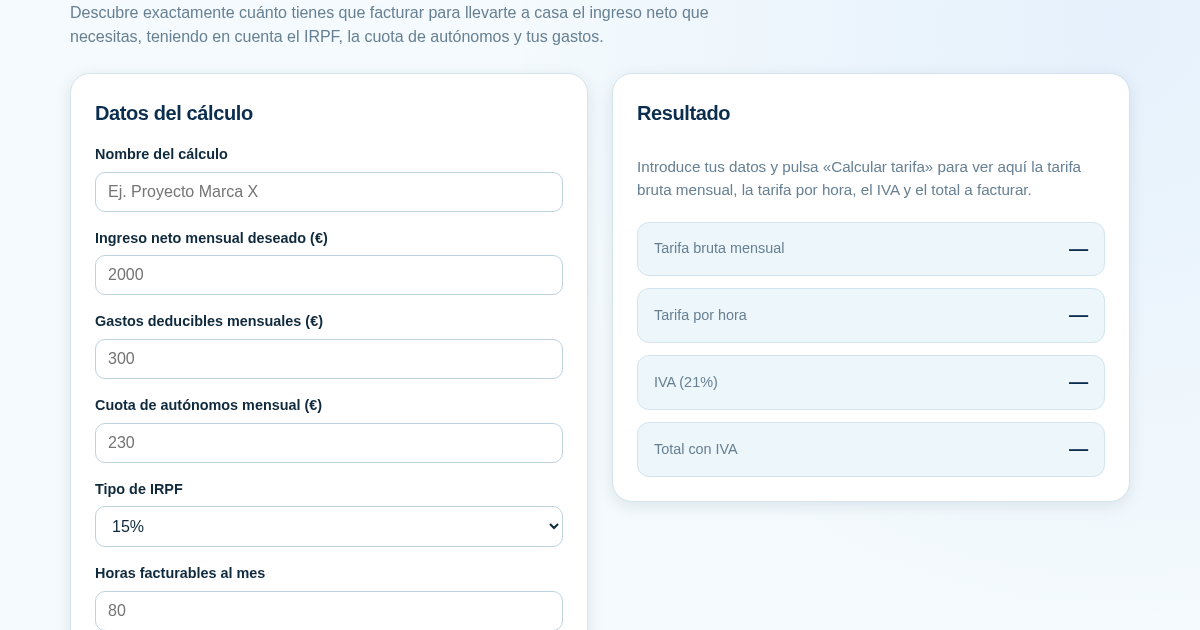
Calculadora de Tarifas para Autónomos
Muchos autónomos fijan sus tarifas sin saber cuánto necesitan facturar realmente para alcanzar el ingreso neto que quieren. Esta calculadora parte del neto mensual deseado y calcula la facturación bruta necesaria…
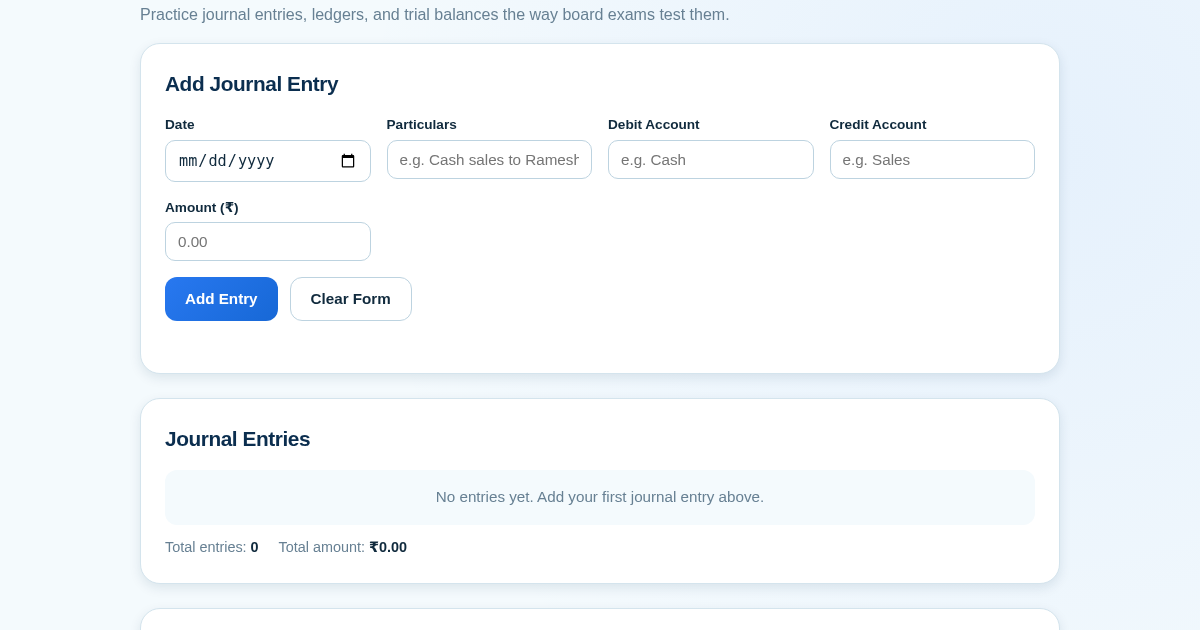
Ledger & Trial Balance Practice Tool
Commerce students in Class 10-12 need to practice journal entries and see how they flow into ledgers, trial balances, and balance sheets for board exams. This tool lets them enter transactions and instantly see the…
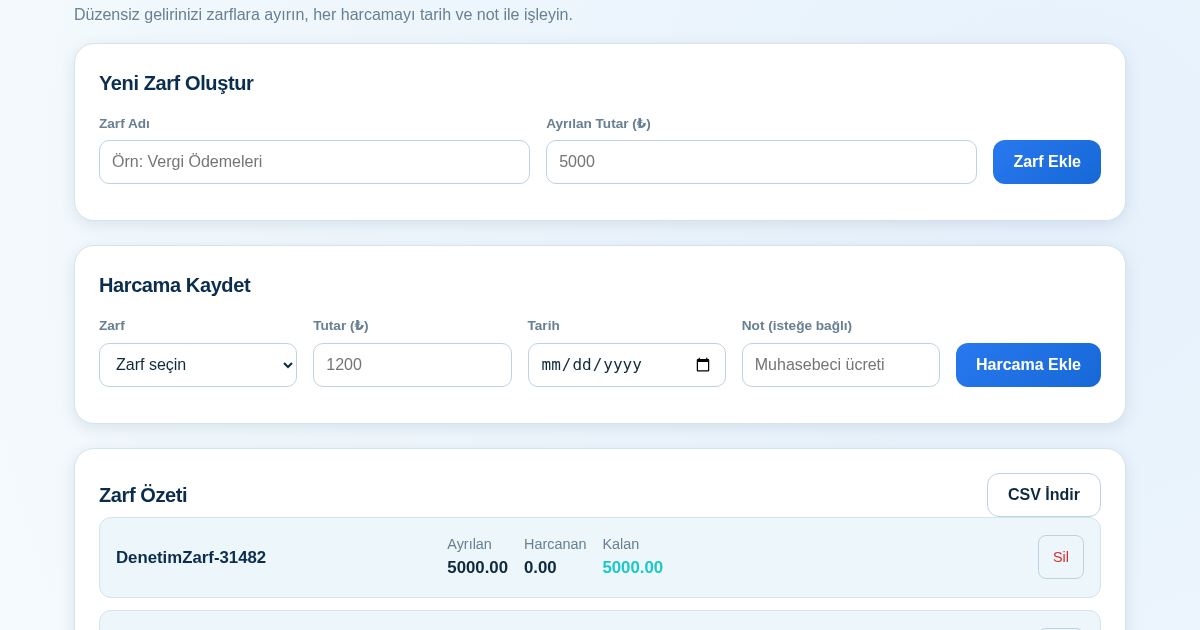
KASA - Serbest Çalışanlar İçin Zarf Bütçesi
Serbest çalışanlar düzensiz gelirlerini vergi, kira ve yaşam giderleri gibi zarflara bölerek bütçelerini düzenli tutabilir. Her harcamayı tarih ve not ile ilgili zarfa işleyerek ne kadar ayırdığını ve ne kadar…
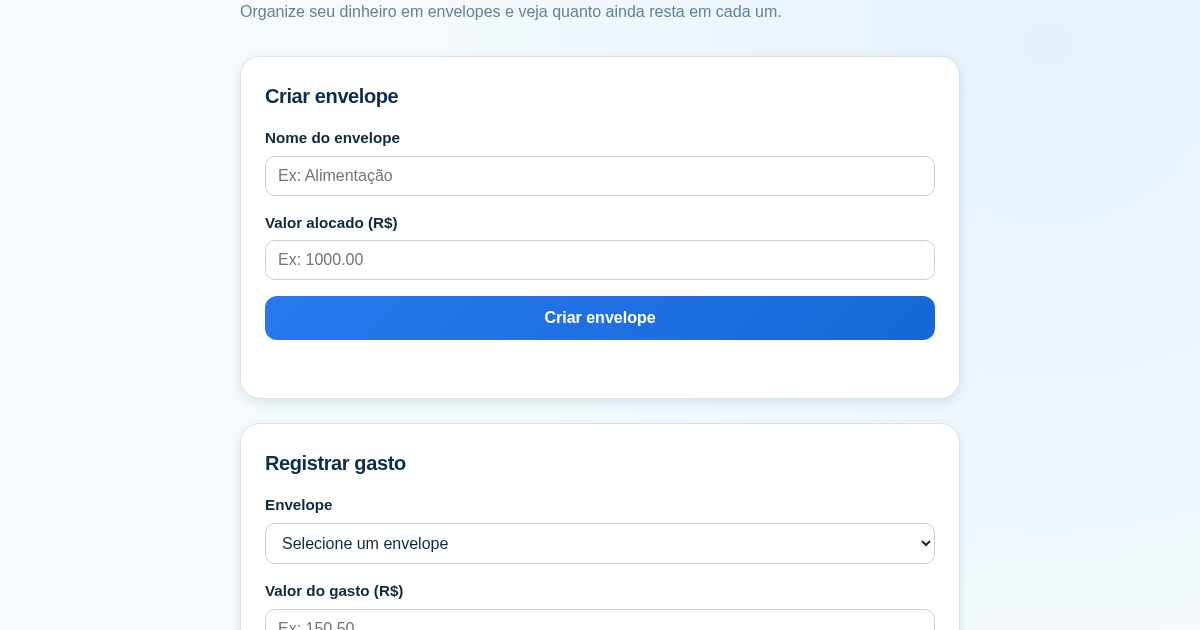
Calculadora de Orçamento por Envelopes (Pix)
Este aplicativo ajuda brasileiros a organizar seu dinheiro em envelopes de orçamento, como alimentação, transporte e lazer, sem precisar conectar uma conta bancária. Ele resolve o problema de controlar gastos do dia a…